
WD Red Pro 20TB
3.9Editor score
20TB native storage capacity
550TB yearly workload rating
CMR recording technology
Continuous multi-user operation
NAS drives give small businesses a practical way to centralize files, protect critical data, and keep essential services available. The right drive must balance usable capacity, continuous-operation reliability, RAID compatibility, and workload demands without overlooking the NAS enclosure itself.
We compared ten products based on the supplied specifications, including capacity, rotation speed, cache, recording technology, workload ratings, NAS optimization, bay support, and intended operating environment. The guide covers purpose-built WD Red and WD Red Pro models, a Seagate desktop drive, and two complete NAS solutions.
Each review shows where a product fits best, along with its limitations and the business use cases it best serves. Ratings reflect the supplied marketplace feedback, while practical performance still depends on the enclosure, RAID configuration, network, workload, and operating conditions. Prices and availability change frequently.
3.9Editor score

4.1Editor score

4.5Editor score
As an Amazon Associate we earn from qualifying purchases.
This side-by-side comparison covers storage capacity, workload class, recording technology, operating purpose, and the most important differences between standalone drives and complete NAS systems.





The Western Digital 4TB WD Red Plus WD40EFZZ is a conventional internal hard drive designed for RAID-optimized NAS systems, including small-business enclosures with as many as eight bays. Its supplied marketplace rating is 4.2, and the strongest attributes are its 4TB capacity, 5400 RPM performance class, 128 MB cache, and CMR recording technology.
We may earn a commission when you buy through this link, at no additional cost to you.
This drive is built around continuous operation rather than occasional desktop storage. NASware firmware helps maintain compatibility with supported NAS environments, while the CMR design is especially useful when data is distributed across RAID volumes. The drive supports workloads of up to 180 TB per year and is available in a family of capacities extending from 2TB through 12TB.
The main limitation is that 4TB is a modest amount of space for growing companies, especially when usable capacity is reduced by RAID redundancy and filesystem overhead. It also operates at a more restrained 5400 RPM speed, and the 128 MB cache is smaller than the buffers found in some larger WD Red Plus configurations. Neither issue undermines its suitability for ordinary shared storage and backup duties.
This is a sensible option for a small business that wants reliable, purpose-built NAS media without moving to a high-intensity enterprise drive. Choose it when two to four terabytes of raw storage matches your present needs, your enclosure supports standard 3.5-inch SATA drives, and CMR is important to your RAID strategy.
Using CMR can make sustained RAID rebuilding and write-intensive workloads more predictable than with SMR. That matters when the NAS stores business records that must remain accessible during a drive replacement or recovery.
Continuous-operation support and NAS-aware firmware make this a more natural fit for shared business storage than a standard desktop disk. The 180 TB yearly workload rating also gives small organizations a clear operating envelope.
We may earn a commission when you buy through this link, at no additional cost to you.
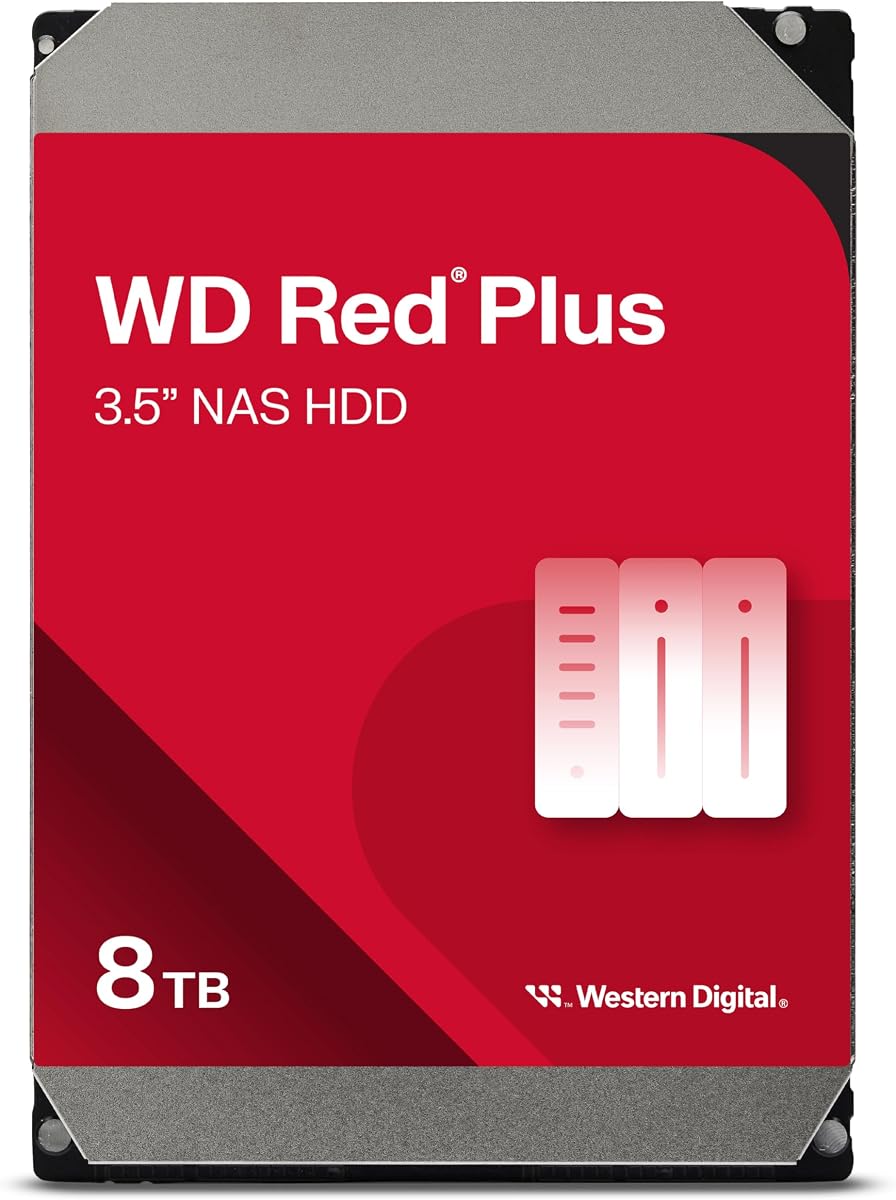
The Western Digital 8TB WD Red Plus WD80EFPX combines a useful storage tier with a 4.2 supplied rating. It is designed for small and medium business NAS systems operating around the clock, and its 8TB capacity gives two-bay and larger configurations more room for documents, projects, backups, and shared media.
We may earn a commission when you buy through this link, at no additional cost to you.
The drive uses CMR recording technology, SATA 6 Gb/s connectivity, a 256 MB cache, and a 5640 RPM rotation speed. Its rated workload reaches 180 TB per year, while NASware firmware is included for compatibility. These details position it above an entry-level desktop drive for businesses that need a disk specifically engineered for NAS workloads.
The 8TB capacity may still feel modest for organizations retaining years of media or maintaining several protected copies. RAID configurations further reduce the amount available for everyday files, and its 180 TB yearly workload is not intended for the most intensive multi-user environments. Businesses with heavier demands should look toward WD Red Pro rather than assuming any NAS drive can handle every workload equally.
For a small company with moderate file growth, this is one of the most versatile capacity points in the guide. It works especially well in a two-bay NAS for shared files and local backup, provided the enclosure is compatible, the business can tolerate reduced RAID capacity, and the yearly transfer load remains within the drive's rating.
Eight terabytes gives small teams enough room to consolidate common files without moving to the largest and most demanding NAS drives. It is a sensible starting point when storage needs are measured in business files rather than long-term video archives.
NASware firmware and explicit support for small and medium business enclosures make the WD80EFPX easier to integrate than a general-purpose internal drive. Its continuous-operation design aligns with file servers that remain accessible throughout the workday.
We may earn a commission when you buy through this link, at no additional cost to you.
The UGREEN NAS DH2300 is a two-bay NAS enclosure aimed primarily at beginners, personal users, and content creators rather than critical business servers. It carries a supplied 4.5 rating and combines a simple private-storage interface with cross-device backup, AI photo organization, RAID options, permission controls, two-factor authentication, and encrypted transfers.
We may earn a commission when you buy through this link, at no additional cost to you.
Its hardware includes a 1GbE Ethernet connection and 4GB of onboard memory, with claimed transfer performance of up to 125MB/s under suitable conditions. It supports storage configurations of up to 64TB, although the drives are not included. Users can connect phones, computers, and tablets across Windows, iOS, Android, and macOS, making it appealing for consolidating personal or creator files.
There are important boundaries. The DH2300 does not support Docker, virtual machines, or SAN Manager, and Plex cannot be run through Docker. It requires a wired connection because no wireless network card is included, and actual speed varies with the router, processor, storage drives, and file size. The manufacturer also explicitly advises against using it for critical business or server applications.
This is best for a home office, creative professional, or very small team seeking an approachable private file hub. It can work for light business storage and backups, but organizations needing server-grade applications, around-the-clock business criticality, or advanced virtualization should choose a more capable enterprise-oriented system.
The DH2300 turns local storage into a shared hub with automatic backup support across major operating systems. That makes it a practical choice for users moving away from scattered files and recurring cloud-storage subscriptions.
AI-based recognition can tag faces, locations, text, and objects while identifying similar or duplicate photos. These features add convenience for personal archives and creator libraries, although they are not substitutes for a business-grade storage architecture.
We may earn a commission when you buy through this link, at no additional cost to you.
The Western Digital 10TB WD Red Plus WD100EFGX offers a substantial capacity increase over smaller Red models while retaining a 180 TB yearly workload rating. Its supplied rating is 3.9, and its defining specifications include 7200 RPM operation, a 512 MB cache, SATA 6 GB/s, and CMR technology.
We may earn a commission when you buy through this link, at no additional cost to you.
The drive is intended for small and medium business NAS systems in 24×7 environments. Western Digital states that these NAS drives undergo compatibility testing that desktop drives do not receive, while NASware firmware helps ensure appropriate behavior within compatible enclosures. The larger cache and faster rotation class are useful for file serving, backups, and mixed workloads.
The main drawback is its lower marketplace rating relative to several WD Red Plus alternatives. Capacity alone also does not make the drive appropriate for highly intensive multi-user systems, because its 180 TB yearly workload is below the WD Red Pro class. Buyers should assess energy use, heat, noise, and drive-bay support along with the specification sheet.
This is a good fit for businesses consolidating growing archives into a conventional NAS while retaining RAID support. It suits users who value capacity and responsive mechanical performance more than the higher workload allowance reserved for premium Red Pro drives. Compatibility with the chosen NAS enclosure remains essential.
A 10TB drive can simplify expansion by fitting more raw data into each bay. That can be valuable when the number of available drive slots is limited and RAID capacity is the priority.
The 7200 RPM class and 512 MB cache position this model above the more conservative 5400 RPM configurations. Those attributes are useful for simultaneous access and recurring backup jobs, subject to the rest of the NAS hardware.
We may earn a commission when you buy through this link, at no additional cost to you.
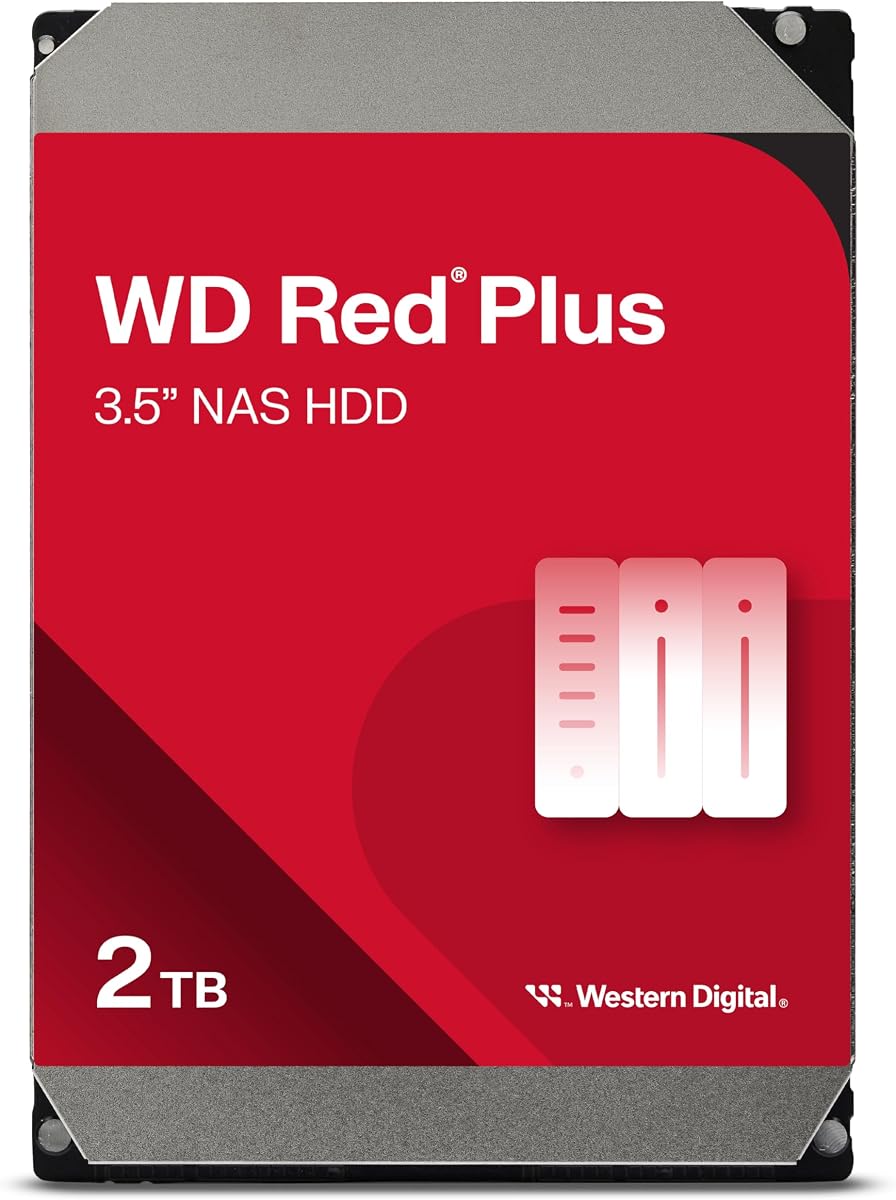
The Western Digital 2TB WD Red Plus WD20EFPX is an entry-capacity NAS disk for small offices that need shared storage, local backups, or a modest two-bay array. Its supplied rating is 4.2, and it uses CMR recording technology, a 5400 RPM performance class, a 64 MB cache, and a SATA 6 Gb/s interface.
We may earn a commission when you buy through this link, at no additional cost to you.
Despite its limited capacity, the drive retains important NAS-oriented features. It supports a 180 TB yearly workload, includes NASware firmware, and is built for small or medium business systems that operate continuously. The available product family spans 1TB through 14TB, and the model is intended to work in systems with up to eight bays.
Its most obvious limitation is capacity. A two-drive RAID arrangement will provide less usable space than the raw total suggests, and 2TB may be filled quickly by shared documents, backups, photos, and application data. The 64 MB cache is also modest, though the mechanical speed class is appropriate for light file-serving and backup duties.
This model makes sense for a business establishing its first private file server or maintaining a small dedicated backup target. It is less appropriate for media libraries, rapid retention growth, or multiple protected copies. Businesses should purchase a larger matching model if the intended RAID volume will be filled quickly.
The 2TB model provides a straightforward way to populate a compatible NAS with purpose-built business storage. It is especially relevant for owners who want the reliability and firmware features of a Red Plus drive without investing in a larger capacity point.
A 180 TB yearly workload rating is sufficient for many office backup and sharing patterns. It also helps distinguish this model from drives intended only for cold storage or occasional desktop access.
We may earn a commission when you buy through this link, at no additional cost to you.
The Seagate 8TB BarraCuda ST8000DM004 is not presented as a dedicated NAS drive, but it is a high-capacity internal hard drive that may appeal to buyers seeking a large storage pool for less demanding applications. Its supplied rating is 4.5, and the listed specifications include SATA 6 Gb/s connectivity and a sustained outer-disk transfer rate of 190MB/s.
We may earn a commission when you buy through this link, at no additional cost to you.
BarraCuda is described as a versatile internal drive for gaming computers, desktop systems, media libraries, photo editing, music, and video. Its 8TB capacity is substantial for archives or a lightly used storage pool. The product also benefits from Seagate's stated history of innovation in internal hard-drive technology.
The critical weakness is the lack of a stated NAS workload rating, NAS-specific firmware, or explicit RAID optimization. Desktop drives are generally designed for different access patterns than continuously operating business arrays, and their behavior can vary when subjected to sustained concurrent workloads. This product also arrives in simple anti-static packaging without cables or a box.
Use this drive only when the NAS manufacturer explicitly supports it, the workload is light, and the business accepts the less specialized feature set. For a primary small-business file server with continuous access, a purpose-built WD Red Plus or WD Red Pro model is the safer recommendation. BarraCuda is better treated as a capacity-oriented alternative than a default NAS choice.
The stated 190MB/s sustained transfer rate can make bulk transfers and media access feel responsive when other system limits do not interfere. This makes the drive useful for archives where large sequential files dominate the workload.
Because the supplied information does not state NAS optimization or a business workload rating, buyers should verify support with the NAS vendor. Using an unsupported desktop drive can complicate replacement planning and may provide a poorer operating experience under sustained loads.
We may earn a commission when you buy through this link, at no additional cost to you.
The Western Digital 4TB WD Red Plus WD40EFPX pairs a familiar 4TB capacity with a larger 256 MB cache than the other 4TB Red Plus model in the guide. It has a supplied rating of 4.5 and retains CMR recording, 5400 RPM operation, NASware firmware, and a 180 TB yearly workload rating.
We may earn a commission when you buy through this link, at no additional cost to you.
That combination gives it a particularly strong profile for small-business shared storage, where files are accessed repeatedly and the NAS may maintain several client connections. The larger cache can be helpful during bursts of recently accessed data, while CMR remains desirable for consistent behavior in RAID configurations. The drive is explicitly intended for 24×7 small and medium business environments.
The 4TB capacity remains the central constraint. It provides a balanced configuration for smaller file sets but can be filled quickly when used as a secondary backup destination. The cache is a performance aid, not additional storage, and cannot compensate for limited capacity. Buyers should also confirm the enclosure supports the drive's physical and power requirements.
This is a strong alternative to the 4TB WD40EFZZ for users who prioritize the higher supplied rating and larger cache. It works well in a two-bay or multi-bay business NAS for document sharing, project files, and scheduled backups. Choose it when 4TB is sufficient and CMR plus NAS-aware firmware are non-negotiable.
The 256 MB cache is twice the amount listed for the WD40EFZZ. For frequently accessed files, that additional buffer may be a useful hardware distinction, particularly when several users access the same NAS.
Using a CMR model reduces the uncertainty associated with SMR write behavior in RAID arrays. That predictability is valuable when a business needs rebuilds, backups, and daily operations to behave consistently.
We may earn a commission when you buy through this link, at no additional cost to you.
The Synology DS725+ is the strongest all-in-one choice in this guide for a home or small-business environment seeking integrated storage, protection, and surveillance management. It is a diskless two-bay NAS with a supplied rating of 4.1, and it can expand to a stated 140TB total using a DX525 expansion unit.
We may earn a commission when you buy through this link, at no additional cost to you.
Its defining benefit is the combination of RAID redundancy, automated backups, and snapshot technology. The platform can manage security cameras across a home or small business, with support for up to 30 IP cameras, motion detection, secure remote access, and analytics. The supplied information also lists unlimited retention periods for the multi-site surveillance function.
The enclosure requires compatible drives, which are not included, so the final storage capacity depends on the selected hard disks and RAID configuration. Reaching the full 140TB figure also requires the appropriate expansion unit, and the business should account for the cost and complexity of adding another enclosure. The supplied 4.1 rating is respectable but not the highest in this list.
For a small business wanting a coherent NAS ecosystem rather than assembling storage hardware alone, the DS725+ is the top overall recommendation. It is particularly suitable for organizations combining centralized files, automated protection, remote collaboration features, and camera monitoring. Confirm the required drive type, expansion plan, and surveillance requirements before purchase.
RAID redundancy provides one layer of availability, while automated backups and snapshots add protection against logical mistakes, deletions, and other recoverable events. Combining these tools gives administrators a stronger response than relying on mirrored disks alone.
Starting with two bays keeps the initial system compact, while the DX525 option adds five drive bays. This allows a small company to begin with a manageable footprint and increase capacity as media libraries and retained data expand.
We may earn a commission when you buy through this link, at no additional cost to you.
The Western Digital 20TB WD Red Pro WD202KFGX is the premium drive choice for small businesses that need substantial capacity and a heavier workload allowance. It has a supplied rating of 3.9 and combines 20TB of storage, 7200 RPM operation, a 512 MB cache, SATA 6 Gb/s, and CMR recording technology.
We may earn a commission when you buy through this link, at no additional cost to you.
Its 550 TB yearly workload rating is substantially above the 180 TB yearly figure associated with the Red Plus models covered here. The drive is designed for high-intensity, 24×7, multi-user NAS environments and for RAID-optimized systems with unlimited bay configurations. Western Digital also notes extensive testing with a broad range of NAS vendors to support compatibility.
Capacity reduces the number of bays needed for a given amount of raw data, which can simplify large-array planning. The trade-off is that this is a premium-oriented drive and its supplied rating is lower than several alternatives. High-capacity hard drives also benefit from a chassis that provides appropriate airflow, vibration control, and a reliable power supply.
This model is most appropriate for growing businesses with active multi-user access, large archives, or heavy recurring transfers. Choose it when the workload exceeds the Red Plus class and reducing drive count is valuable. It may be excessive for a small office with light use, so buyers should confirm that their data pattern justifies the premium hardware.
The 550 TB yearly workload rating gives busy NAS environments more headroom than standard Red Plus models. It is a better match for sustained file services, active team access, and heavier backup schedules.
Twenty terabytes per drive can reduce the number of disks required for a target capacity. That may simplify expansion, shorten maintenance tasks, and keep a multi-bay array from becoming unnecessarily crowded.
We may earn a commission when you buy through this link, at no additional cost to you.
The Western Digital 2TB WD Red Plus WD20EFRX is the budget-focused pick for a small business that wants NAS-specific features at an entry capacity. Its supplied rating is 4.5, and it includes a 5400 RPM performance class, 64 MB cache, SATA 6 Gb/s, CMR recording, and a 180 TB yearly workload rating.
We may earn a commission when you buy through this link, at no additional cost to you.
The drive is intended for small and medium business NAS systems running continuously in 24×7 environments. NASware firmware supports compatibility, while its business workload class gives it a clearer purpose than a basic desktop drive. It can be used in systems with up to eight bays, subject to the enclosure's actual support requirements.
Capacity is the decisive limitation. Two terabytes may be insufficient for a growing archive, and RAID redundancy means the usable amount is lower still. The drive also uses a smaller cache than higher-capacity Red Plus configurations. However, these constraints are acceptable when the goal is a small private file server, a focused backup target, or a temporary second disk in a larger enclosure.
This is a sensible first purchase for a very small office or a business that wants to begin consolidating shared documents without selecting a large or premium drive. It also works well as a matched capacity tier. As needs grow, the business can move to 4TB, 8TB, or larger models while retaining the NAS-focused platform and workflow.
Even at 2TB, the drive provides CMR recording, NASware, and a business workload rating. Those features make it more appropriate for a small NAS than a standard desktop disk selected only for its capacity.
Western Digital notes that some CMR transition-period units may carry a WD Red label, while the received device is confirmed by model number. Buyers who require certainty about recording technology should verify the WD20EFRX model designation and its listed specifications.
We may earn a commission when you buy through this link, at no additional cost to you.
Selecting storage for a small-business NAS requires matching the drive's capacity, workload rating, recording method, and physical design to the enclosure and the way employees will use the data.
Choose capacity that leaves useful free space after RAID and future needs are accounted for.
Match the workload class to daily intensity, and leave additional headroom for growth.
Use CMR models for business RAID arrays and verify the specification for every exact model.
Verify the exact drive model against the NAS vendor's supported-hardware list before buying.
Decide whether you need individual storage media or a complete, managed NAS platform.
Match bay count to redundancy needs, future expansion, and your capacity to rebuild arrays.
Treat cache and RPM as supporting specifications, not substitutes for workload and network planning.
Pair every RAID array with independent backups and regularly test restoration.
Before installing any drive, confirm its exact model is compatible with the NAS, verify the enclosure is powered off, and consult the NAS documentation for approved installation procedures. Wear an antistatic wrist strap when handling bare drives, use the correct SATA connectors, and avoid forcing a drive into the carrier. If the NAS supports hot insertion, follow the specific removal and insertion sequence given by the manufacturer; otherwise shut everything down before opening the chassis.
After adding or replacing a drive, use the NAS management interface to initialize the new volume, select the intended RAID level, and create shared folders with appropriate user permissions. Establish scheduled backup jobs to a separate target, enable snapshots where appropriate, and make sure critical services restart cleanly after a reboot. If a drive fails, determine whether the array is degraded before removing anything, and follow the manufacturer's rebuild instructions rather than improvising.
Keep the enclosure in a cool, ventilated, vibration-free location and do not stack drives in a way that obstructs airflow. Monitor drive health, temperatures, capacity, and backup status, and make software and firmware updates on a schedule that has been tested. Periodically restore a sample file from backup, review account permissions, and replace aging drives with models that match the NAS compatibility list and the array's requirements.
A NAS drive is engineered for use inside a network-attached storage system, usually with NAS-aware firmware, workload ratings, and compatibility testing. A desktop drive may work in some NAS units, but it is generally designed for less demanding and less continuous access patterns. The exact NAS manufacturer's supported-hardware list should determine which drives are appropriate.
CMR is generally the easier and more predictable choice for RAID arrays because write behavior and rebuild operations are more straightforward. This is especially helpful when employees modify files frequently or the NAS stores important backup data. Verify the recording method for the precise model, since capacity and product-family naming alone may not reveal the underlying technology.
Choose enough for current data, expected growth, and the redundancy arrangement. RAID reduces the usable total compared with the sum of the raw drives, and the operating system also consumes some space. A business with rapidly growing media or backup history should favor a larger model, while a small document library may fit comfortably within 4TB or 8TB per drive.
Using drives with the same capacity and closely matched specifications generally makes capacity management and RAID operation more straightforward. Some NAS systems support mixed capacities, but usable space and replacement behavior become more complicated. Consult the enclosure documentation before mixing models, and avoid combining standard desktop drives with purpose-built NAS drives without confirming support.
A two-bay NAS can be sufficient for modest file sharing, local backups, and essential private-cloud services. It offers a manageable starting footprint and can be paired with off-site or external backups. Businesses should check available drive bays, future growth, redundancy needs, and any advanced applications before deciding whether a larger system is more appropriate.
WD Red Plus models are specifically designed for continuous operation in small and medium business NAS systems and support up to 180 TB per year. WD Red Pro offers a higher workload ceiling of 550 TB per year and greater capacity per drive, making it more appropriate for intense multi-user workloads. The right choice depends on measured usage and expected growth, not simply whether the NAS operates continuously.
A complete NAS can simplify initial setup by providing an enclosure, management interface, and integrated features such as snapshots, backups, or surveillance support. The Synology DS725+ and UGREEN DH2300 are examples in this guide, but both require compatible storage drives. Compare the bundled software and expansion path with the cost and flexibility of using an existing enclosure.
No. RAID is designed primarily to maintain availability when a drive fails, and it does not protect every file from accidental deletion, ransomware, credential theft, or physical damage. Critical business information should have an independent backup copy, ideally including an off-site copy, and restoration should be tested regularly to confirm the data is genuinely recoverable.
The Synology DS725+ is the strongest overall choice for an integrated small-business NAS, combining expandable two-bay storage with RAID, snapshots, automated backups, and surveillance support. The WD Red Pro 20TB is the premium standalone drive for heavier workloads and large data sets, while the WD Red Plus 2TB WD20EFRX provides the most straightforward budget-oriented entry into NAS-specific storage.
Prioritize exact enclosure compatibility, CMR technology for RAID, and a workload rating that comfortably exceeds your present usage. Capacity matters, but a drive that is too small or too lightly rated for daily activity creates operational problems. Standalone WD Red Plus models are strong choices for owners of existing NAS systems, while a complete platform such as the DS725+ is more convenient for organizations wanting an integrated management environment.
Before purchasing, verify the precise model number, current manufacturer compatibility, bay support, RAID implications, and protection plan. Marketplace ratings provide useful context, but they do not replace workload analysis or testing in your own environment. Prices, promotions, availability, and product details can change, so confirm current listings and manufacturer documentation before completing the order.